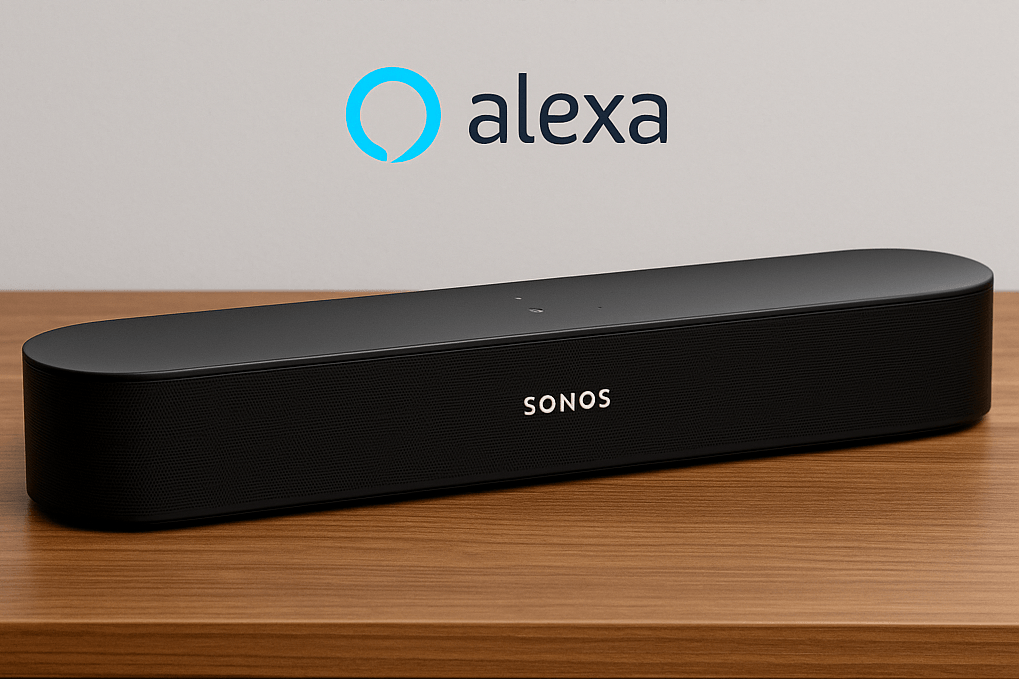
Smart speakers have become a seamless part of everyday life, and Alexa announcements are one of those understated features that can genuinely make your home feel smarter. If you own Sonos Era speakers, a Sonos Arc Ultra, or any other Alexa-enabled Sonos device, you can use announcements to instantly broadcast voice messages across your home — without raising your voice or running up and down the stairs.
In this guide, we’ll explore how Alexa announcements work on Sonos, why they’re so useful, and offer practical examples of how they can fit into real daily routines.
🔊 What Are Alexa Announcements?
Alexa announcements are one-way voice broadcasts that play simultaneously on all Alexa-enabled speakers in your home. You speak to one device — the message plays on all of them.
On Sonos speakers with Alexa built in, the feature works exactly the same way as it would on an Amazon Echo, but with the added bonus of premium Sonos sound.
To use it, simply say:
“Alexa, announce…” followed by your message.
Alexa will chime and then play your announcement everywhere.
🎛️ Setting Up Alexa Announcements on Sonos
If your Sonos device supports Alexa (e.g., Era 100, Era 300, Arc Ultra, Beam, Move 2, etc.), setup is simple:
Open the Sonos app and ensure your speaker is added.
Go to Settings (a gear icon in top right corner) → General Settings → Voice Assistants.
Choose Amazon Alexa and follow the prompts.
Make sure “Announcements” are enabled in the Alexa app under
Devices → [Your Sonos Speaker] → Communication.
Once enabled, you’re ready to broadcast messages throughout your home.
-
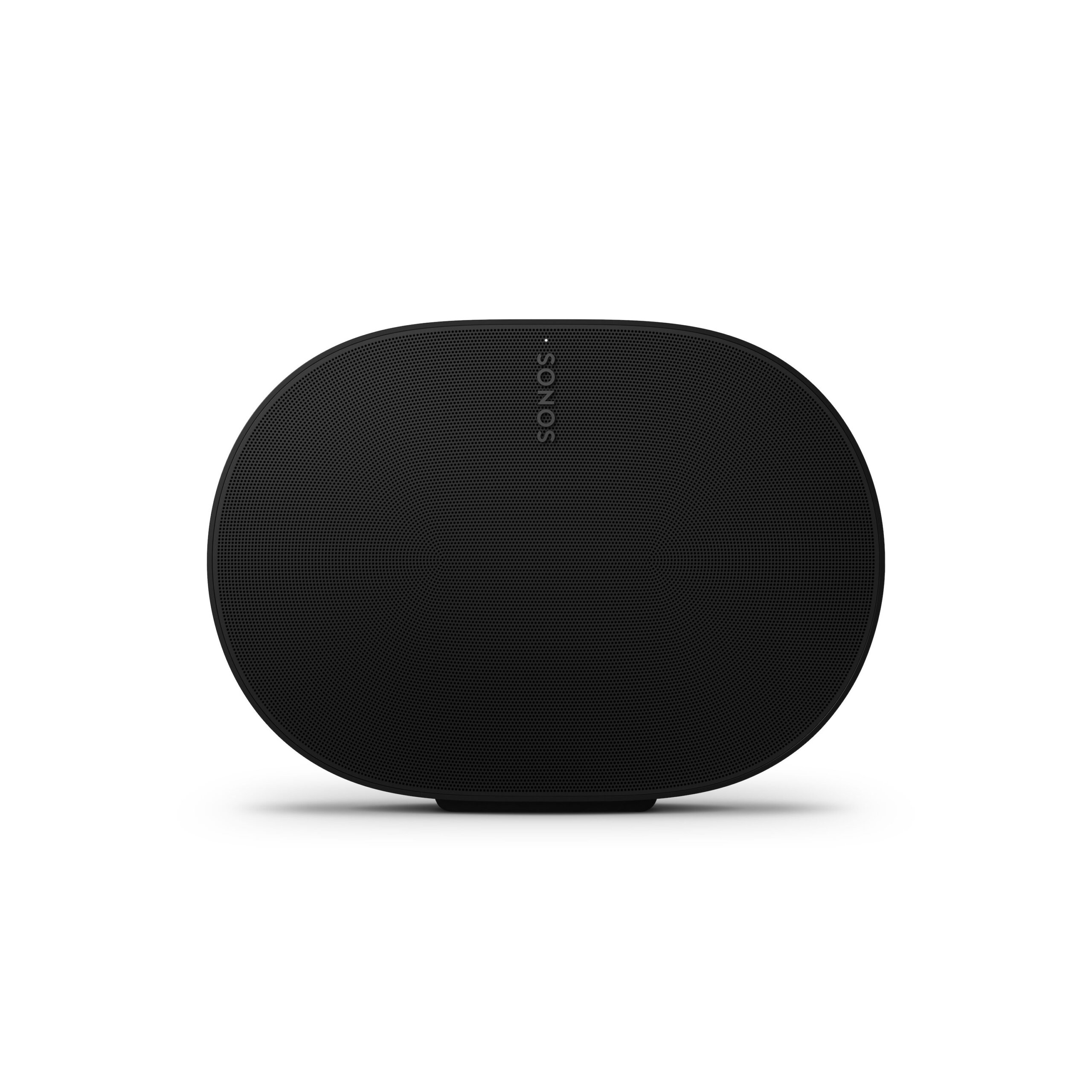 ✓ Amazon Alexa
SONOS ERA 300
New Era in House Music Systems by Sonos £449.00 inc. VAT Select options This product has multiple variants. The options may be chosen on the product page Details -


💡 Practical & Fun Ways to Use Alexa Announcements on Sonos:
1. Call Everyone to Dinner (Without Shouting)
Instead of yelling up the stairs:
“Alexa, announce: Dinner’s ready!”
This is especially useful if you have Sonos speakers in the kitchen, living room, and bedrooms.
2. Remind the Kids — or Yourself — About Something
“Alexa, announce: Time to get ready for school.”
Or for adults:
“Alexa, announce: Don’t forget bin day tomorrow.”
3. Household Alerts
If you need to notify everyone quickly:
“Alexa, announce: I’m heading out — does anyone need anything?”
“Alexa, announce: Delivery at the door!”
This works brilliantly if the front door is far from your main rooms.
4. Multi-Room Coordination
If you’re working from home:
“Alexa, announce: Starting a video call — please keep it quiet.”
Or:
“Alexa, announce: Leaving in five minutes!”
A simple way to keep everyone aligned.
5. Gentle Wake-Ups (or Motivational Nudges)
If someone tends to oversleep:
“Alexa, announce: Good morning! Time to wake up.”
For gym-goers:
“Alexa, announce: Gym time!”
A surprisingly effective nudge when blasted through a Sonos Arc Ultra.
6. Light-hearted Family Moments
Because not everything must be practical:
“Alexa, announce: Tea break in the kitchen — biscuits are ready!”
“Alexa, announce: Movie night starts in 10 minutes.”
“Alexa, announce: Whoever left the dishes — your mystery is solved!”
Sonos’s rich sound makes even silly announcements feel premium.
-
 ✓ Amazon Alexa
SONOS ERA 100
Stereo Speaker. Next-gen acoustics. £199.00 inc. VAT Select options This product has multiple variants. The options may be chosen on the product page Details -

🏡 Why Alexa Announcements Feel Better on Sonos
Using announcements is convenient on any Alexa device, but Sonos adds several advantages:
Superior sound clarity, even at low volume
Coverage in larger rooms where Echo speakers might struggle
A unified whole-home system, ideal for multi-room messages
A premium aesthetic, blending into modern British homes
If you’re already using Sonos as your primary home audio system, announcements integrate beautifully into your daily flow.
🎯 Final Thoughts
Alexa announcements on Sonos speakers are a simple but powerful tool. Whether you want to streamline busy mornings, keep your home functioning smoothly, or just add a bit of fun to your routine, this feature can genuinely transform how you communicate around the house.
If you’ve never used announcements on your Sonos before, give it a try — you may wonder how you ever lived without them.
-
 ✓ Amazon Alexa
SONOS ARC ULTRA
Premium Wi-Fi Soundbar with Dolby Atmos £999.00 inc. VAT Select options This product has multiple variants. The options may be chosen on the product page Details -